
Tools built around
how you already work.
When the same job eats hours every week, I build a small tool that does it your way. You don’t need to learn anything technical. You just use it.
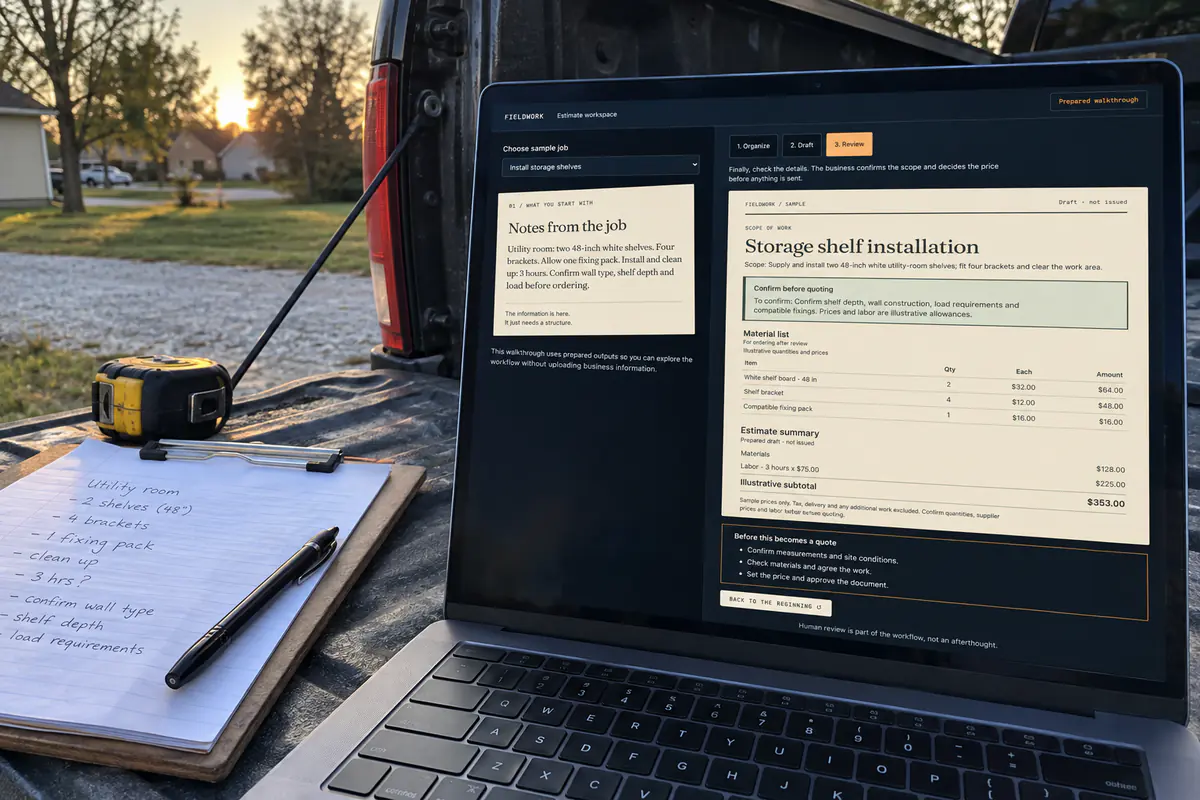
An estimate helper
A sample of the kind of tool I build: pick a job, and the notes become a scope, a materials list and a price you check.
Try it yourselfPhoto made with ChatGPT’s image tool from a real screenshot of the sample.
The same job,
every week.
Here’s a pricing job done with plain ChatGPT. If you do this every day, a tool built for it skips the typing: pick the options, get the price.
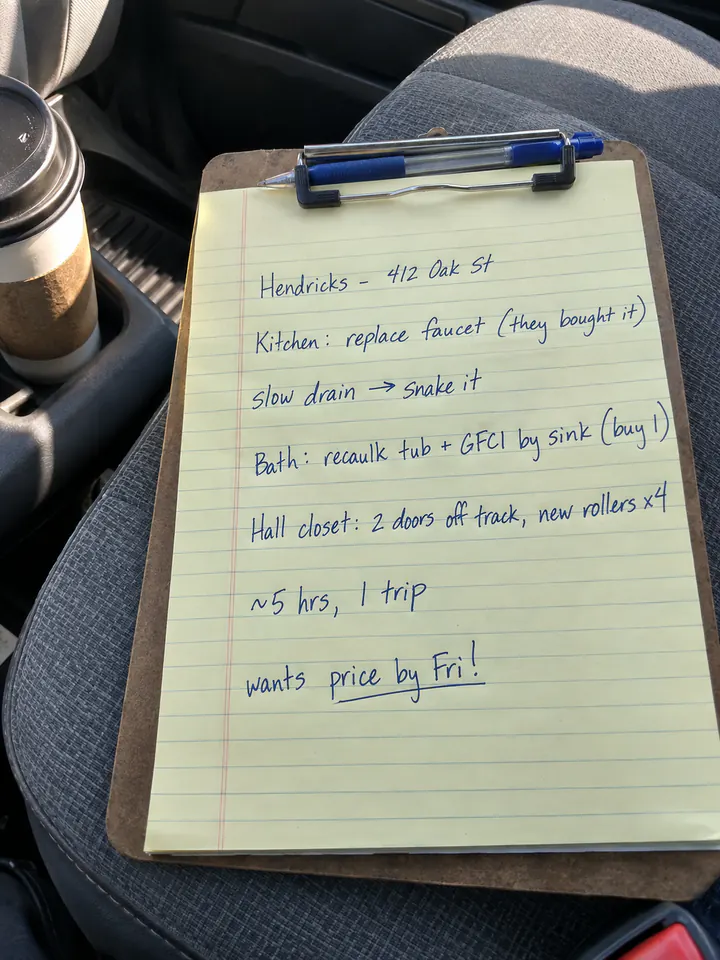
Notes on a clipboard become a price for the customer.
What you have
Your notes from the job. A photo from your phone is enough.
What you ask
“Turn my notes into a price for the customer. List each job and a total. I charge $85 an hour. The outlet is $22 and the rollers are $6 each.”
What you get, and you check it
Every job priced, with a $471 total. It even tells you the caulk isn’t included, because you never gave it a price. You add it, then send.
ChatGPT’s real screens and answer, replayed · made-up job · note photo made with ChatGPT’s image tool
For Dixon’s Heating & Air, I built an estimate tool from their own price information: pick the options, see the estimate.
Business information.
A draft someone checks.
Dixon’s estimate tool runs on the company’s own price information. That’s what it proves: a real tool, built on their real prices. It doesn’t mean every estimate is right, that pricing runs on its own, or that it saves a set number of hours.
The ChatGPT job above is a made-up job. The clickable samples use made-up information too, and their pictures are AI-made — not client photos, and not connected to anyone’s systems.
For a new tool, we agree what goes in, what comes out, who checks it and who keeps it running. A prototype, a tool in daily use and a measured result are three different things.
Follow the repeated steps.
Choose where a tool helps.
Business automation starts with a job you repeat. Getting numbers ready for an estimate. Sorting a list. Passing checked details to the next person. Some steps just need a simple rule or a better form. Some might use AI. The work decides.
- Describe the routine. What kicks it off, what information it needs, and what should be ready at the end?
- Find the review point. Where information goes missing, where the odd cases are, and which calls stay with a person.
- Try a small version. Sample data first. Check what comes out. Agree who looks after any real connection.
The Dixon’s estimate example shows one use of real price information. The clickable samples below show ideas on made-up data — not a system running on its own, and not live inquiries.
Samples you
can click through.
Working samples with made-up information. Nothing you type is saved.
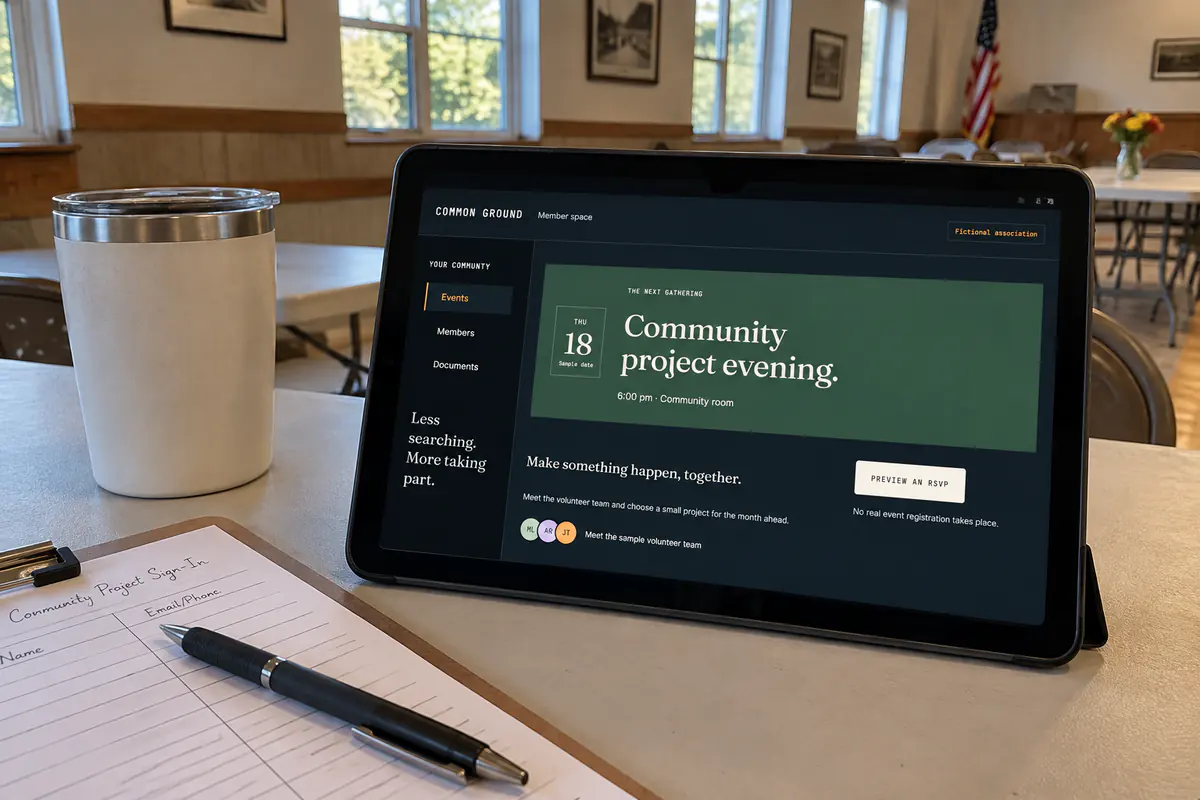
A members’ page
One place for a club or group to find the next event, the people and the papers.
Try it yourselfPhoto made with ChatGPT’s image tool from a real screenshot of the sample.
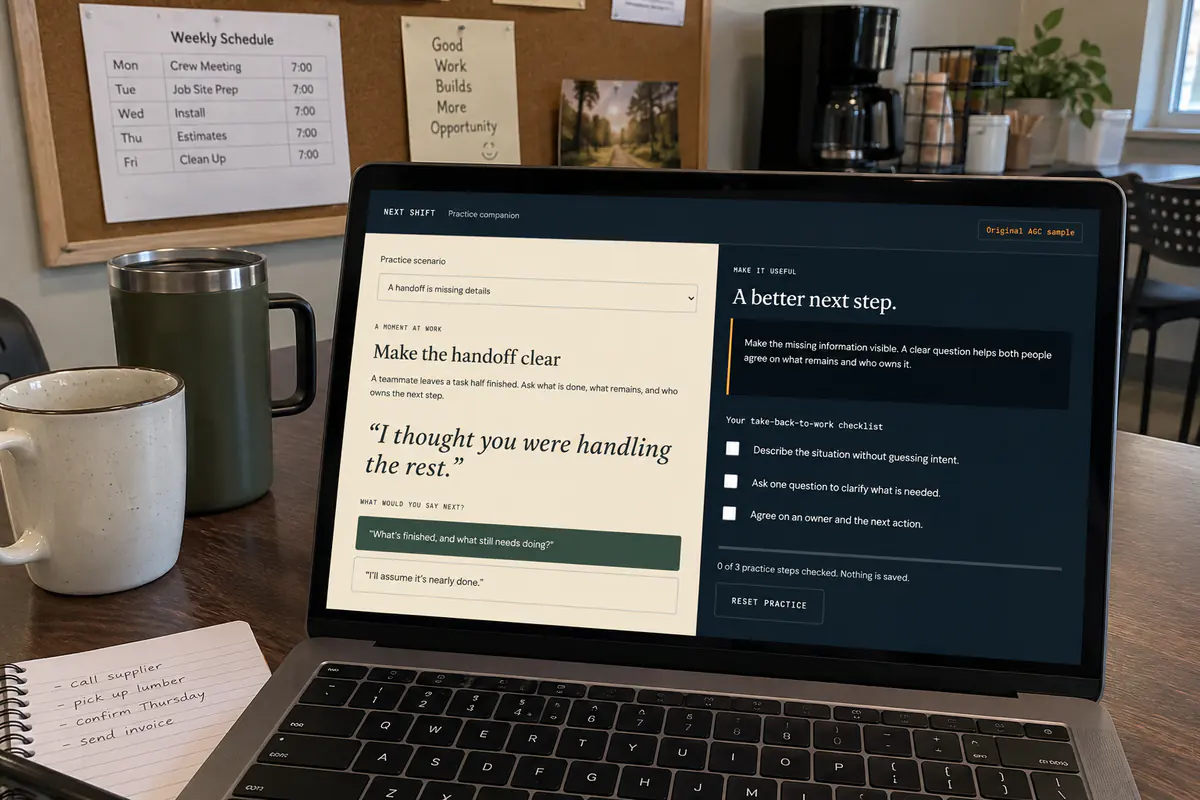
A practice tool after training
Staff try a real workplace moment and see which answer helps.
Try it yourselfPhoto made with ChatGPT’s image tool from a real screenshot of the sample.
More ideas: a medical coding review and an email-to-calendar walkthrough.
Some ideas need
to be played with.
See the reading garden, the Aether Theremin, and Dixon’s playable game in the Work collection. Their full previews live there.
Explore interactive workYou don't need a perfect brief.
Just a place to start.
Tell me what you're trying to make, improve, or stop doing by hand. We'll figure out what makes sense, what it takes, and whether we're a good fit.