
That thing you wish
your software did.
Let's start there. I build tools around a specific job, from a better way to handle information to an interactive idea that runs in a browser.
Start with the job.
Then build the tool.
The useful question is what you want to happen: less copying between documents, an easier way to take part, or a creative process you can control yourself.
These examples show three different kinds of work I've built. Each begins with something familiar.
Start with something familiar. Explore an example.
Job notes → an estimate to review.
- You have
- Handwritten field notes and your own pricing information.
- The tool
- Organizes the job details into an estimate draft, using the business's reference material.
- You do
- Check the details, make the decisions, and approve the finished estimate.
Based on the custom AI workflow I built for Dixon's. This is an explanation of the process, not a live estimate generator.
Hear the story on NPR IllinoisA reading program → a shared garden.
- You have
- A library summer-reading program and people taking part.
- The tool
- Lets readers log a book and add a plant to a shared online garden.
- You see
- Individual contributions become something the whole community can watch grow.
Chatham Reading Garden is a working web app built for a library program. Opening the link takes you to the live app.
Explore the reading gardenYour image → a tool you can play.
- You have
- A photograph, a logo, or a piece of music.
- The tool
- Turns the image into a responsive 3D scene with motion, audio and camera controls.
- You make
- A visual you can shape, perform with, and export as a clip.
HyperVoxel is an independent AGC creative software project. The live studio includes its recording and export guidance.
Open HyperVoxelFrom field notes
to a useful draft.
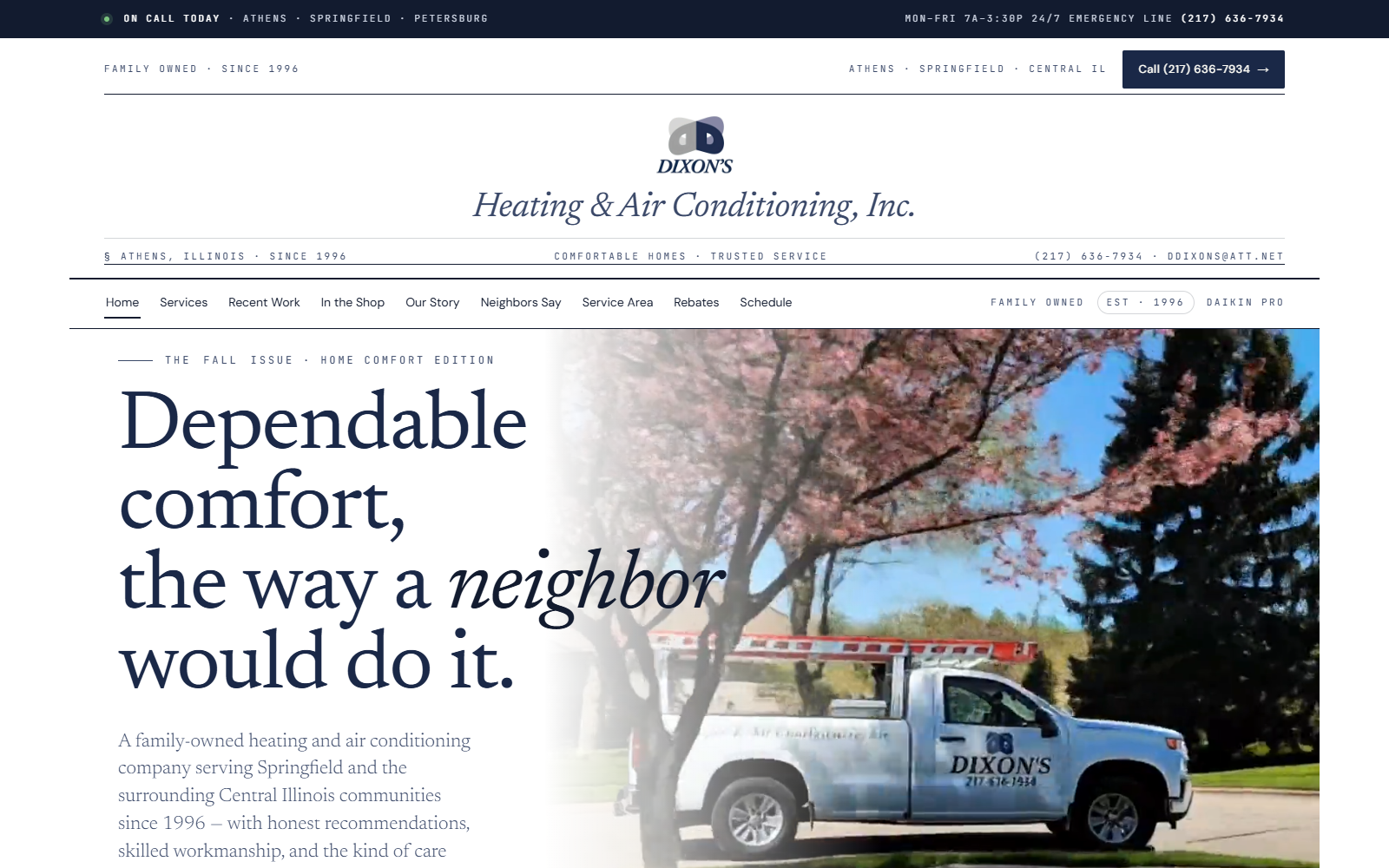
Dixon's Heating & Air already had the information: handwritten job notes, earlier estimates, and pricing material. I built a custom AI workflow to bring that information together into an estimate for a person to review.
It's a good example of what AI can do inside an existing business. The business still supplies the knowledge. People still check the result and make the decisions.
Hear the story on NPR IllinoisThis is a description of the workflow. Client records and pricing are not available on this site.
A little contribution.
A shared world.
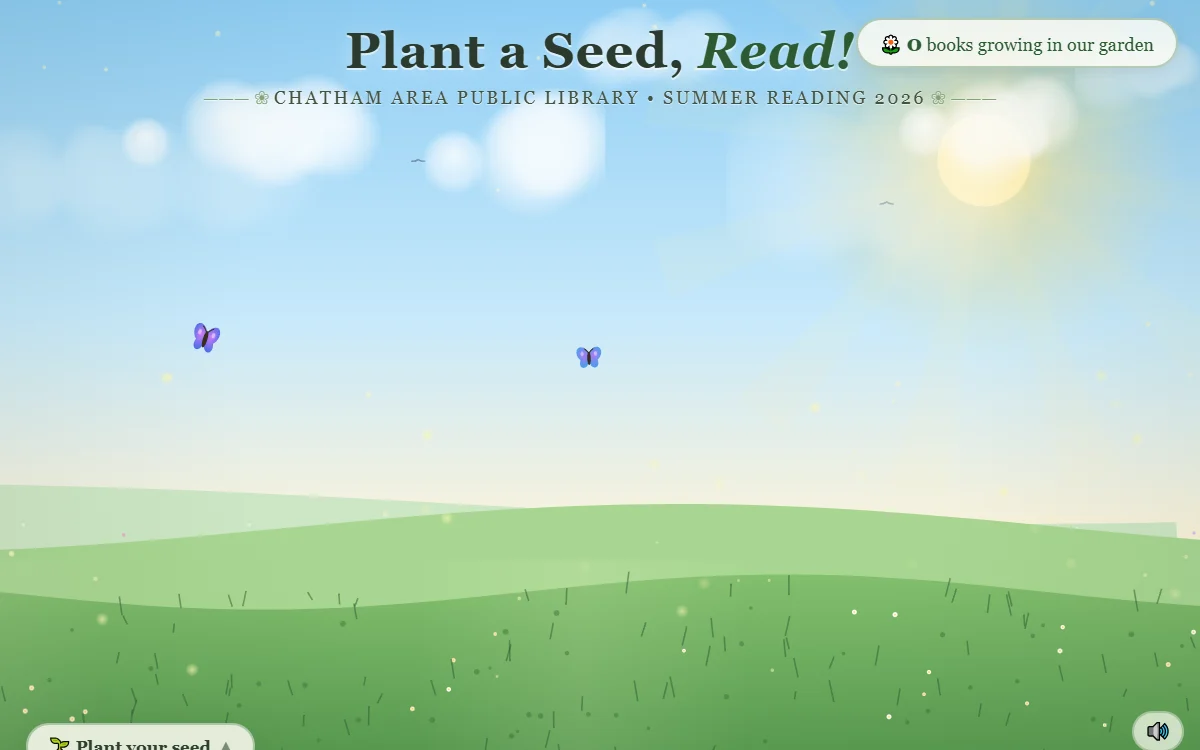
The Chatham Reading Garden turns a summer-reading program into a shared online garden. A reader logs a book, plants a seed, and contributes to something the whole community can see.
Custom software can make an activity easier to join and more enjoyable to come back to. The idea determines the interface.
Explore the live reading gardenThis opens the live app. Reading entries there are real submissions.
An image you can
play like an instrument.
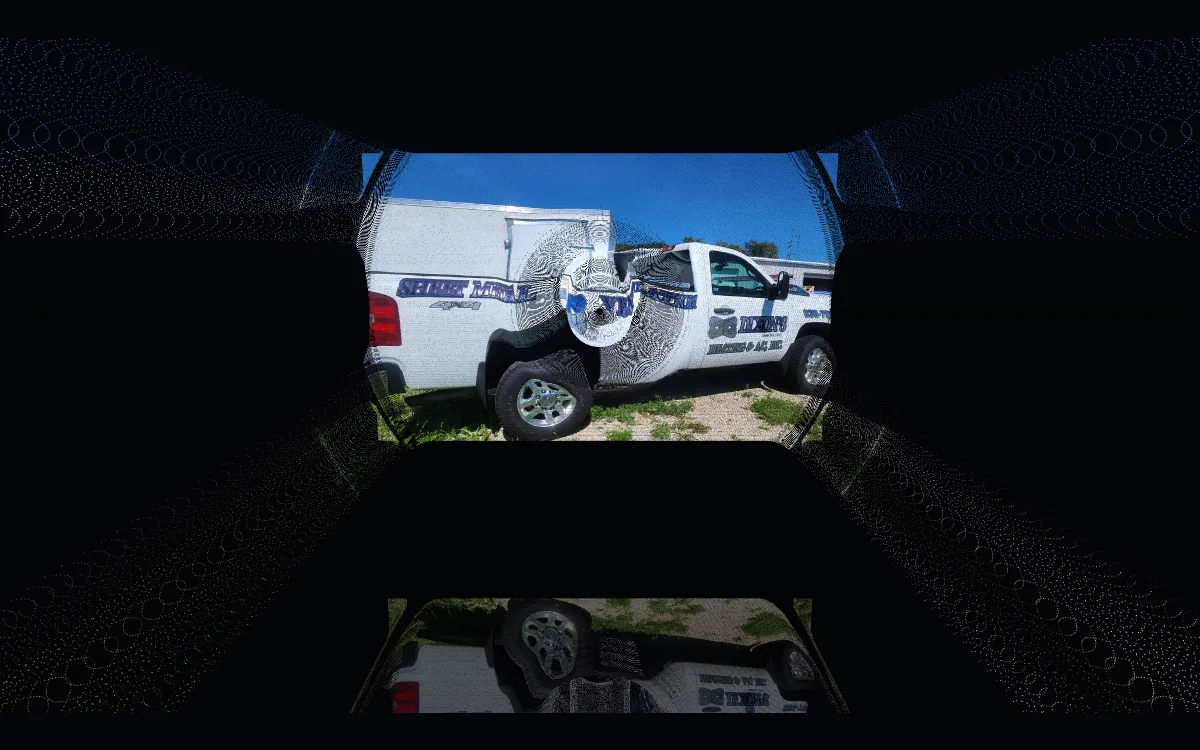
HyperVoxel turns photos and logos into a responsive 3D scene. Change the motion, connect sound, move the camera, and export what you make.
It's an independent studio project—and a working example of the interaction, graphics, audio, and export workflows I can bring together in a custom tool.
A useful first version.
A clear next step.
Show me the work.
Walk me through the task, the people doing it, and what makes it difficult today.
Find the useful part.
Agree on a manageable first version, what success looks like, scope and budget.
Try it together.
Use a working prototype to see what makes sense and what needs to change.
Make it usable.
Test the result, explain how it works, and agree on handoff and ongoing support.
For technical collaborators: what sits behind these examples
The published projects include browser interfaces, custom JavaScript, WebGL graphics, audio interaction, export workflows and AI-assisted document processes. Architecture, hosting, access controls, integrations and ongoing support depend on the project. We agree on those requirements before treating a prototype as a production system.
AI helps me develop software, and some tools use AI while they run. Those are different choices. We use it where it helps the task.
You don't need a perfect brief.
Just a place to start.
Tell me what you're trying to make, improve, or stop doing by hand. We'll figure out what makes sense, what it takes, and whether we're a good fit.